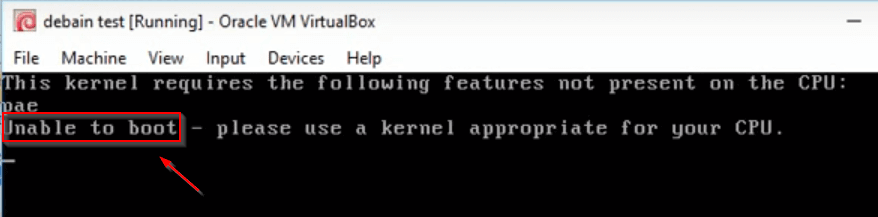
Today We install checkra1 on Kali Linux OS and install any Linux system, checkra1n install Linux,
How to install checkra1n Kali Linux System, checkra1n install any Linux system
Our First Step is Download macOS-KVM from Github I use wget to download the all file home directory
wget https://raw.githubusercontent.com/downthecrop/macOS-Simple-KVM/master/install.sh -v -O install.sh; chmod +x install.sh; ./install.sh
After Complete Download the file I changing our current directory to macOS-Simple-KVM this directory is found in our user home directory
cd /root/macOS-Simple-KVM/
1. Getting USB details and Get USB ID’s
copy your USB ID and paste a text file
lspci -nn | grep -i USB
2. Getting USB details and Get USB ID’s
copy Signal Processing controller ID and paste a text file
lspci -nn |grep "Signal processing controller"
Open your default grub file and edit the two-line we see the image file
gedit /etc/default/grub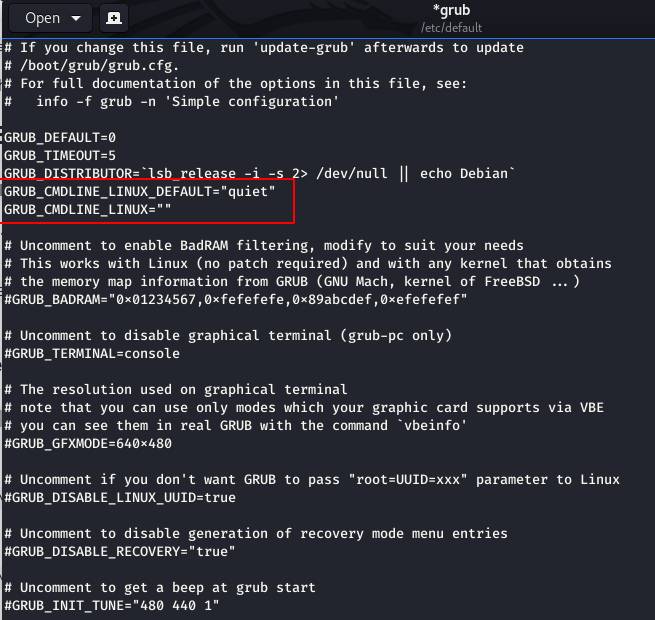
Now adding a line grub file and save the file
GRUB_CMDLINE_LINUX_DEFAULT="quiet splash iommu=pt intel_iommu=on vfio-pci.ids=( paste your fist USB ID "GRUB_CMDLINE_LINUX="quiet splash iommu=pt intel_iommu=on vfio-pci.ids=(Signal Processing controller ID "After changing grub file look like this
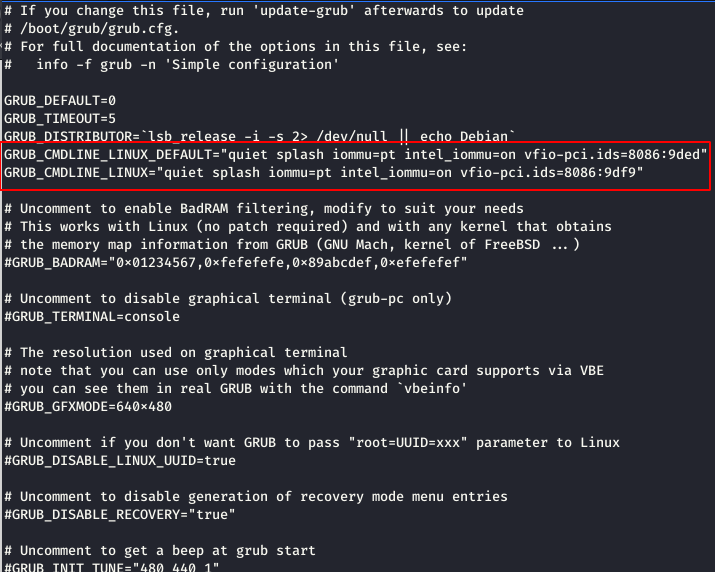
update-grub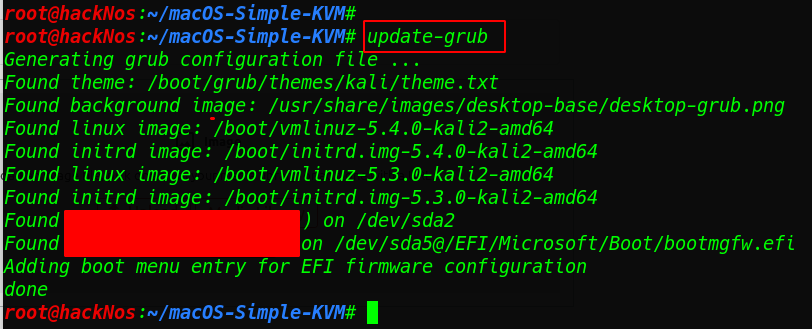
and reboot your system after updating grub

go to the macOS directory and open a file macOS.sh any editor
vi macOS.sh
uncomment the last two line
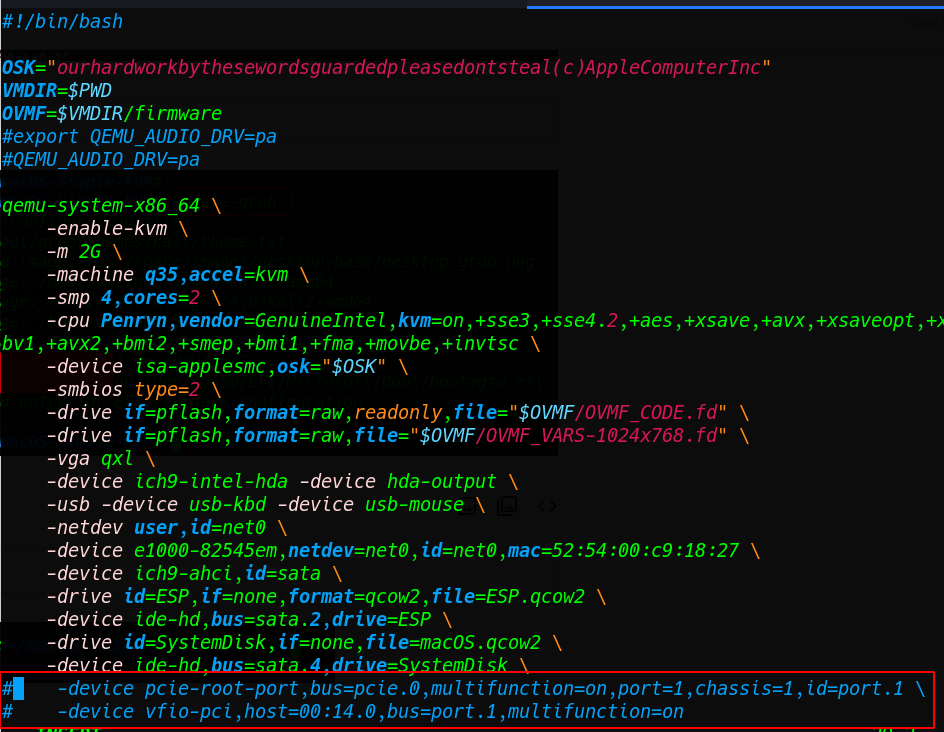
Adding USB ID host=Signal Processing controller ID
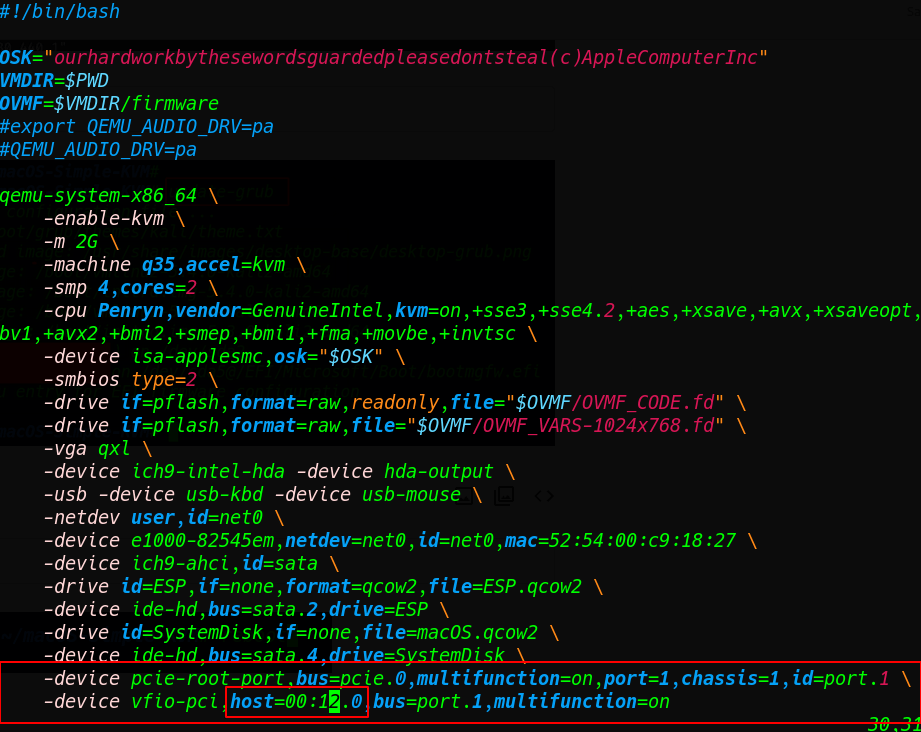
vi USBmacOX.sh
changing the USB ID our Signal Processing controller ID


Download the macOS File our local system gdrive link
https://drive.google.com/file/d/1EnbopO0On4vZN7X_8zPr-k4EjCTuoQLM/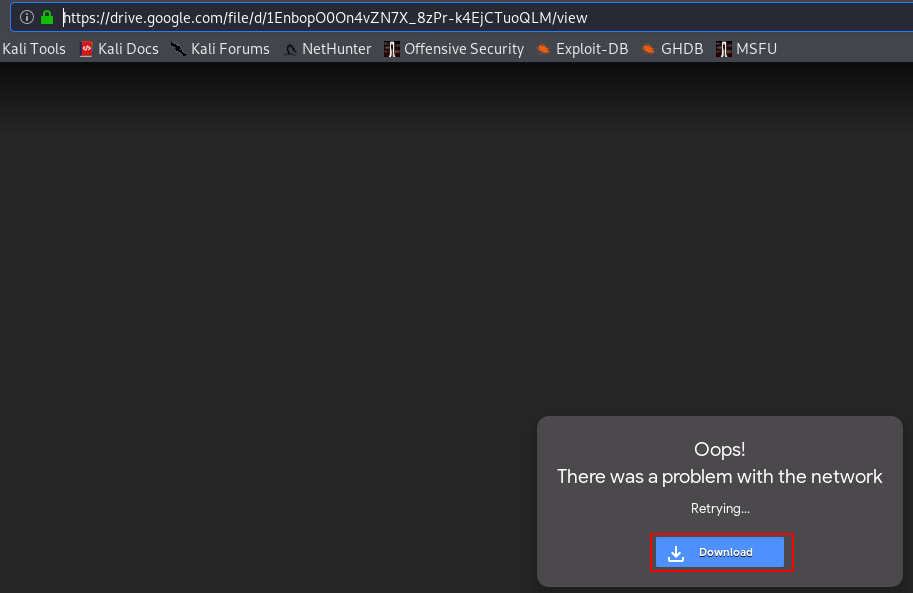
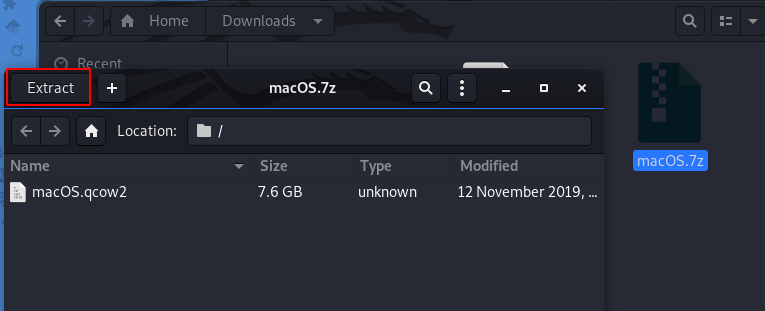
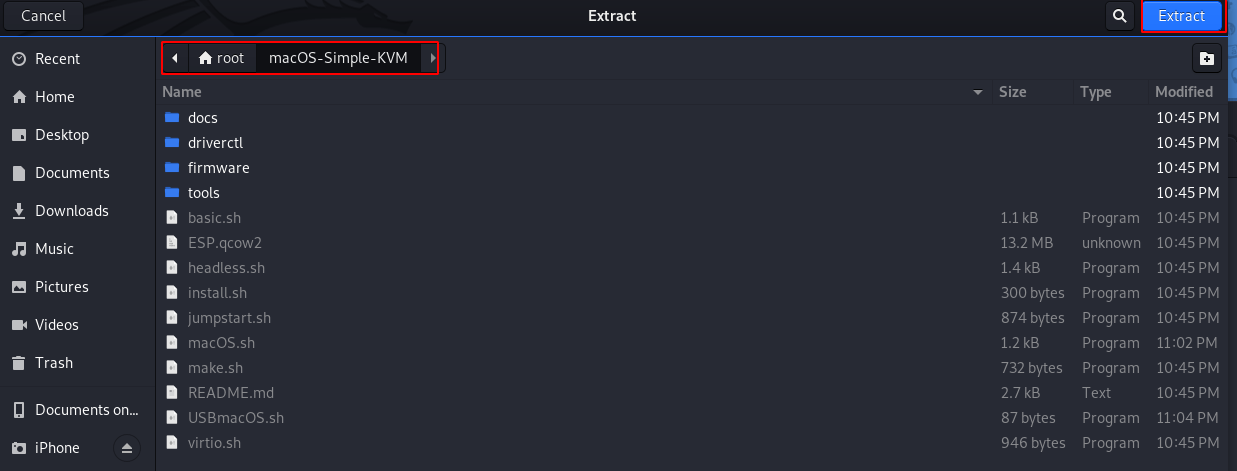
After download the Extracting the .7z file our macOS-Simple-KVM directory
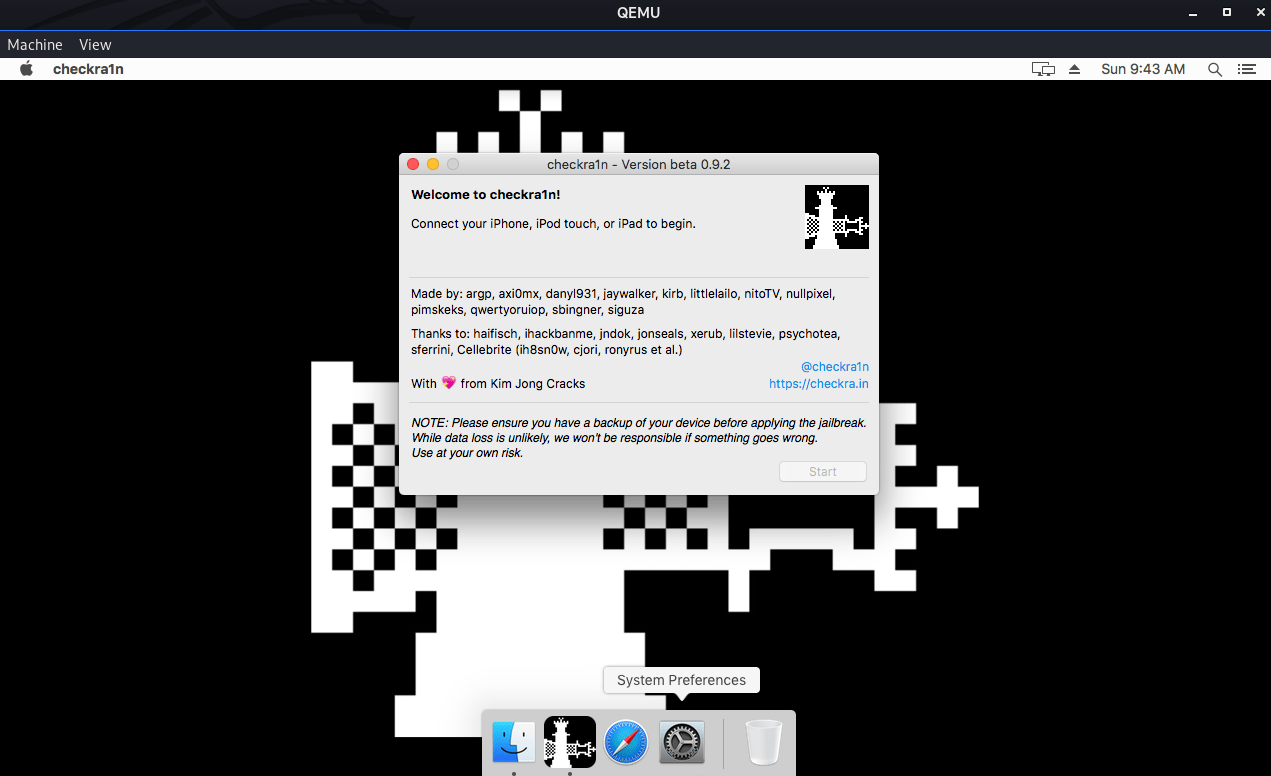
Run the USBmacOS.sh command and you see macOS checkra1n is starting


How to install Black arc OS see here checkra1n install on ubuntu