How to install Drupal install apache server for CTF lab Setup
Drupal is a powerful and popular CMS used by many webmasters to create powerful websites and blogs. If you’re looking open-source platform to create dynamic, PHP-based websites and blogs easily may want to take a look at Drupal CMS. Drupal install Apache
Download latest Drupal Setup file link
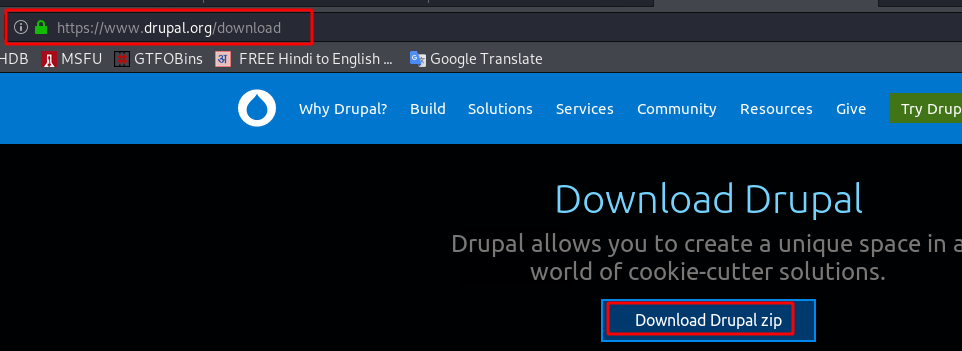
Download with wget command
sudo wget https://ftp.drupal.org/files/projects/drupal-8.8.1.zip
installing the apache server and MariaDB-server and unzip tool
sudo apt install unzip mariadb-server apache2 php
unzip the drupal zip file (-d location of file extract)
sudo unzip drupal-8.8.1.zip -d /var/www/html/
Drupal web application Changing Ownership of Directory (-R mean Recursively drupal directory inside all file)
- user: www-data
- group: www-data
sudo chown -R www-data:www-data /var/www/html/drupal-8.8.1/Drupal web application permission add and change permission Directory (-R mean Recursively Drupal directory inside all file)
- root: read, write, executable
- group: read, executable
- other: read, executable
sudo chmod -R 755 /var/www/html/drupal-8.8.1/
Connection MySQL database and create a new database for drupal application
sudo mysql -u root -p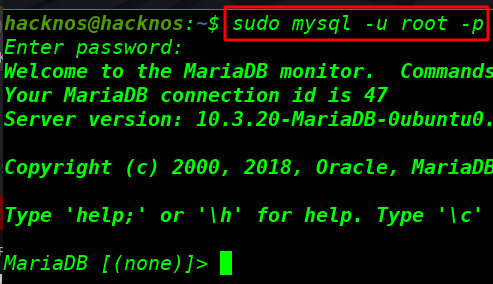
Creating a new database
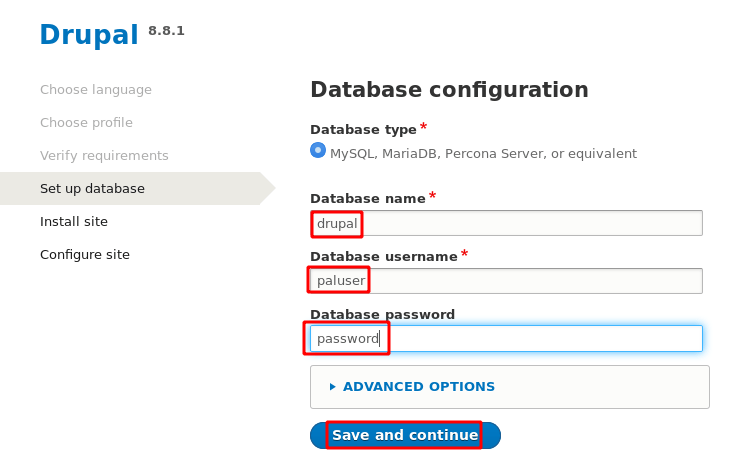
create database drupal;Creating a new user for the database
create user 'paluser'@'localhost' identified by 'password';granting permission to the database
grant all on drupal.* to 'paluser'@'localhost' identified by 'password' with grant option;flush all privileges
flush privileges;exit;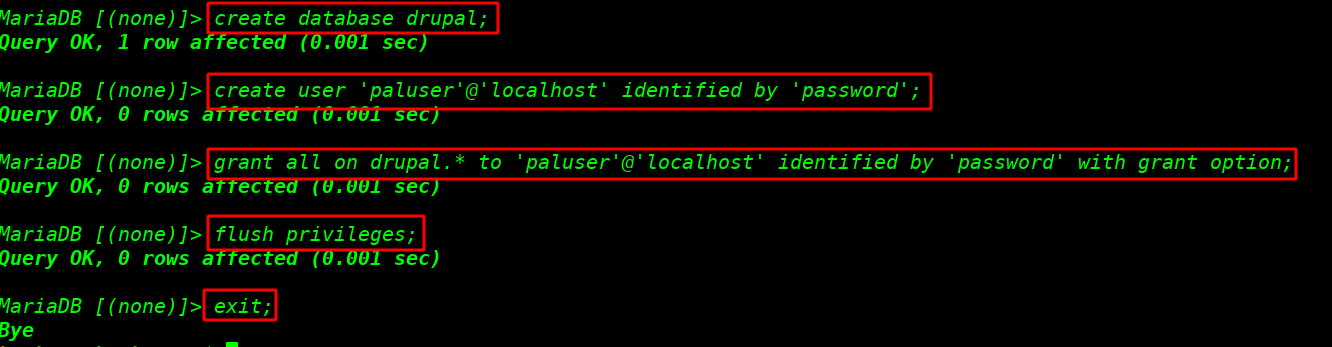
Now edit a line for drupal requirement our apache server configuration file AllowOverride None to AllowOverride All
sudo vi /etc/apache2/apache2.conf<Directory /var/www/>
Options Indexes FollowSymLinks
AllowOverride None
Require all granted
</Directory>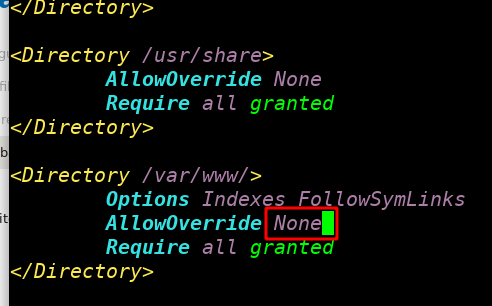
change a line AllowOverride None to AllowOverride All
<Directory /var/www/>
        Options Indexes FollowSymLinks
        AllowOverride All
        Require all granted
</Directory>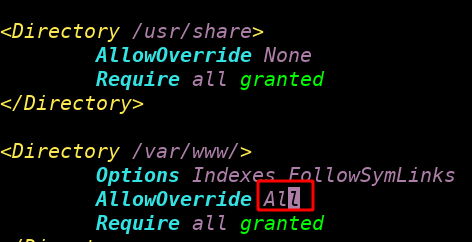
Drupal requirement PHP extensions installing
sudo apt install php-dom php-gd php-xml php-mysql php-mbstring
And restart our apache server
sudo service apache2 restart
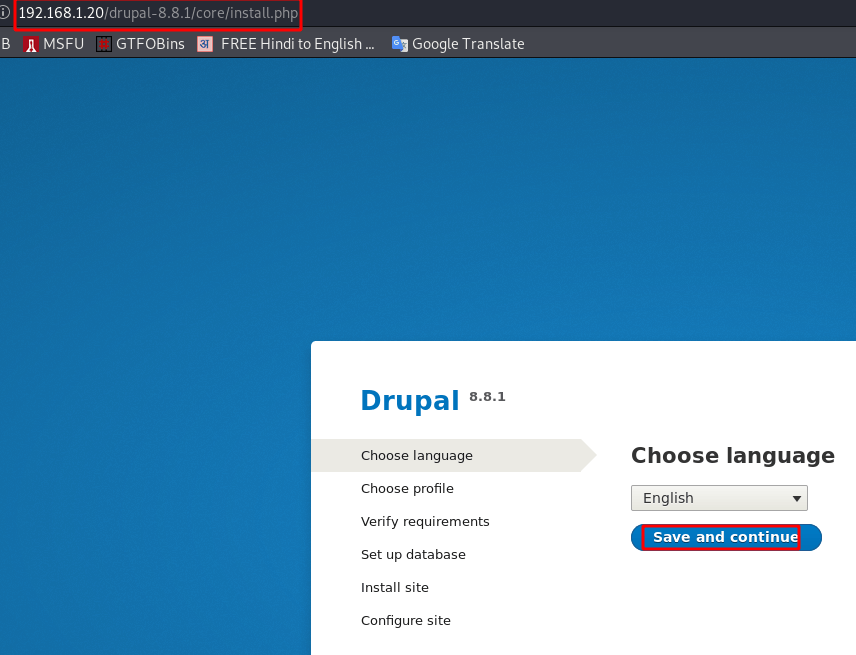
And open your any web browser and type your IP address and drupal directory name
http://<your ip address>/drupal-8.8.1The first option is to choose a language and save and continue
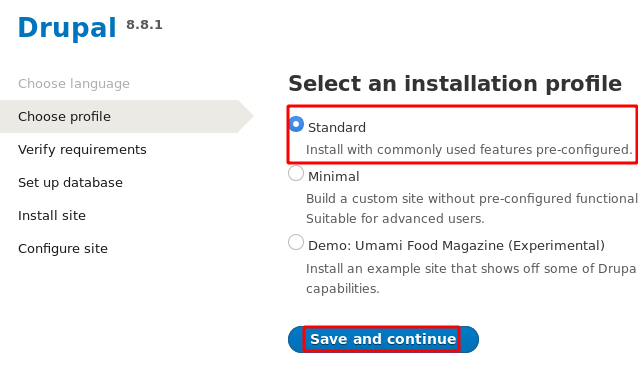
Click radio button Standard and Save and Continue
Next step is Set up database enter your database name, username, and user-password and save and continue
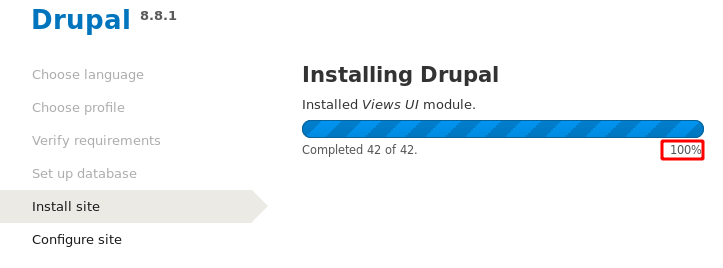
Drupal installing is the start you wait a minute
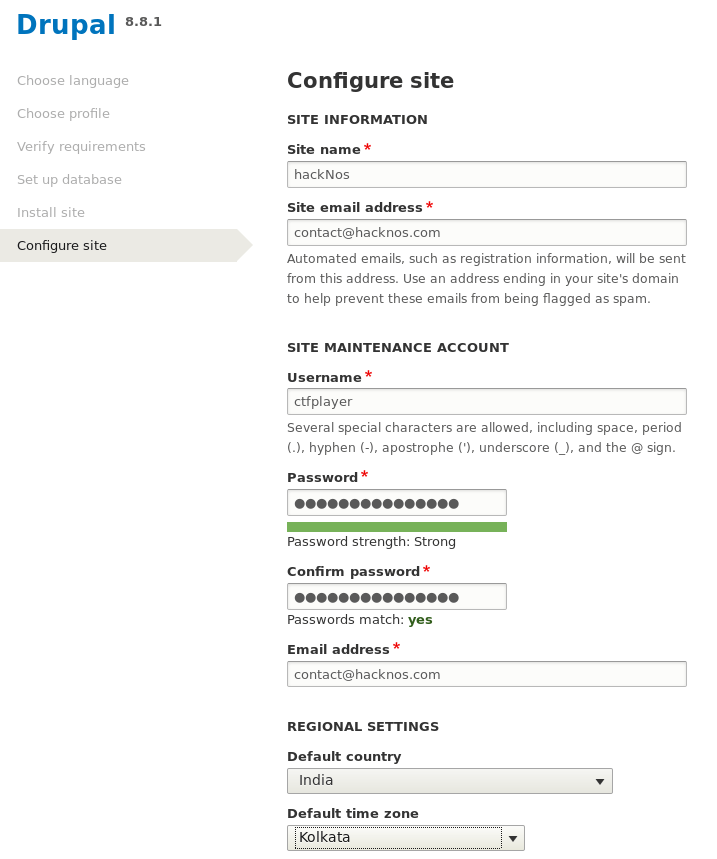
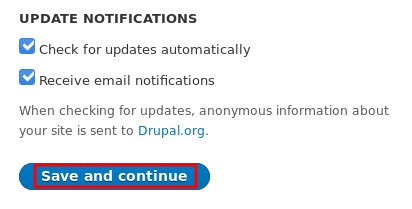
Configure the site name, and email, username password, and timezone country and save and continue
Finally, you see your drupal web site

Drupal clean URL error fix link